Particulars

Meetings by Particulars

Conduct the room from your phone.

Meetings sends one instruction and one synchronized clock to every phone and shared display in a physical room. Participants join by QR code in their browser—no account, email address, app installation, or Particulars membership required.

The interface

Conduct or join without the meeting becoming software.

The iPhone app keeps the room setup and current instruction in view. Participants join with a room code and no account.
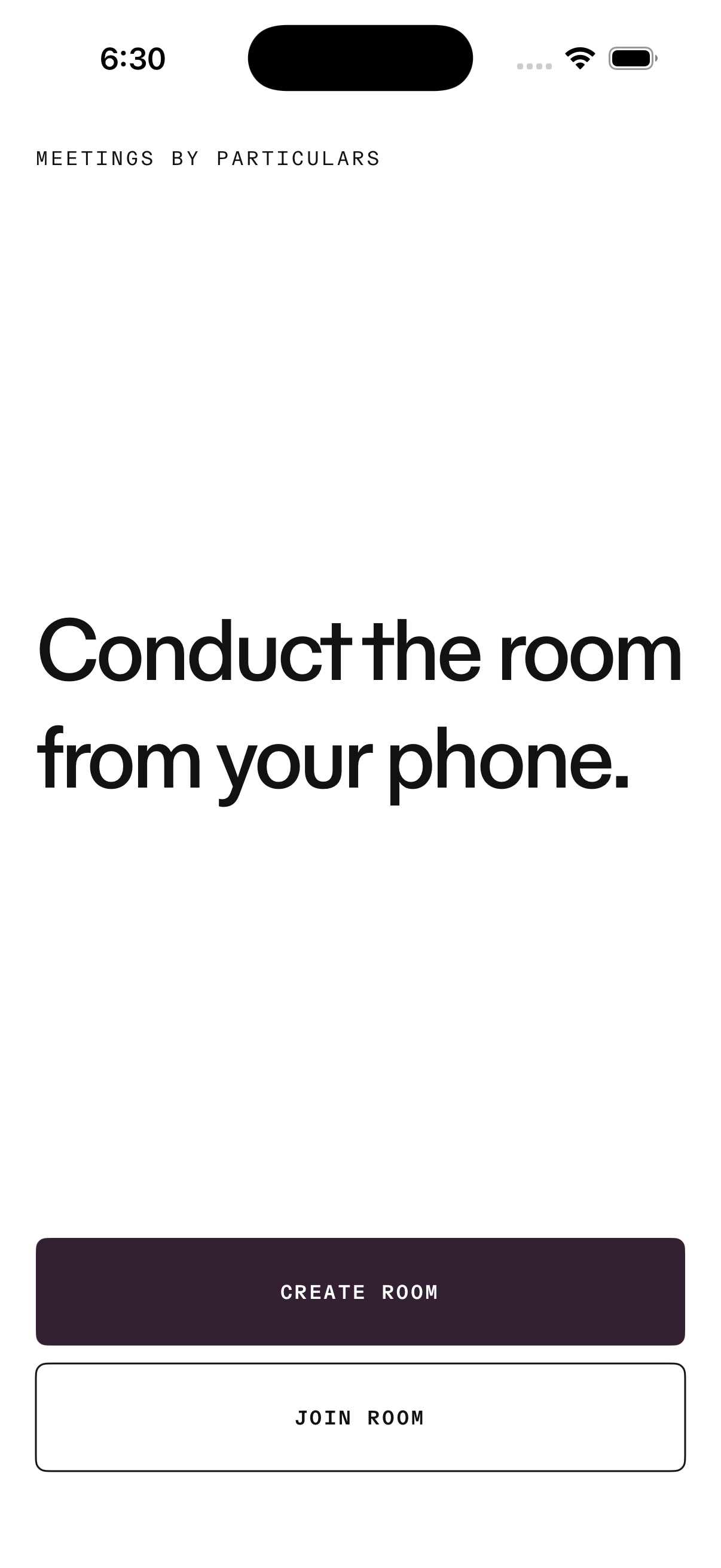
Meetings iPhone start screen with Create room and Join room actions
iPhone app · StartCreate a room or join one already in progress.
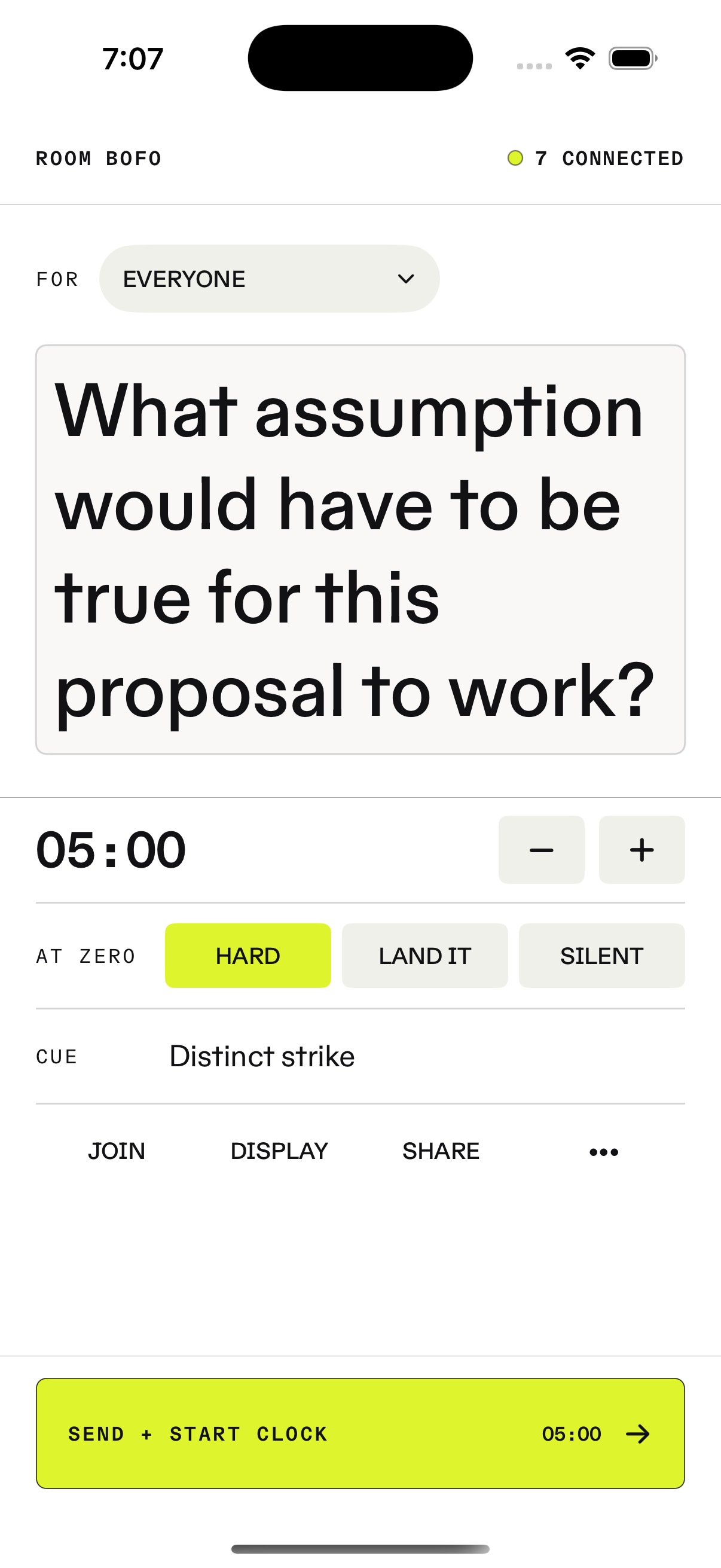
Meetings facilitator screen with an instruction, five-minute clock, target, and ending cue
Facilitator · ComposeSet the instruction, target, duration, and cue.
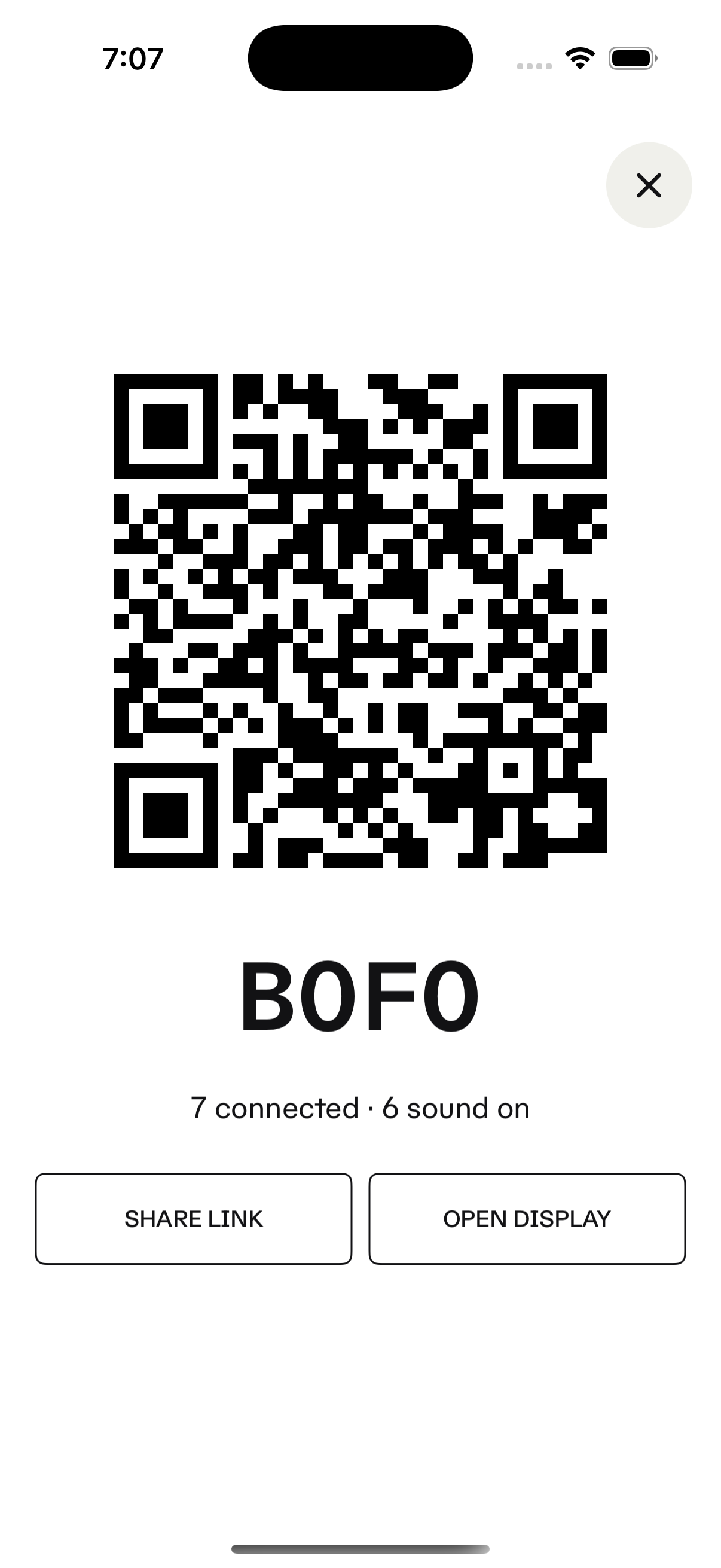
Meetings room-access screen with a QR code and room code
Room accessPut a scannable joining code in front of the room.
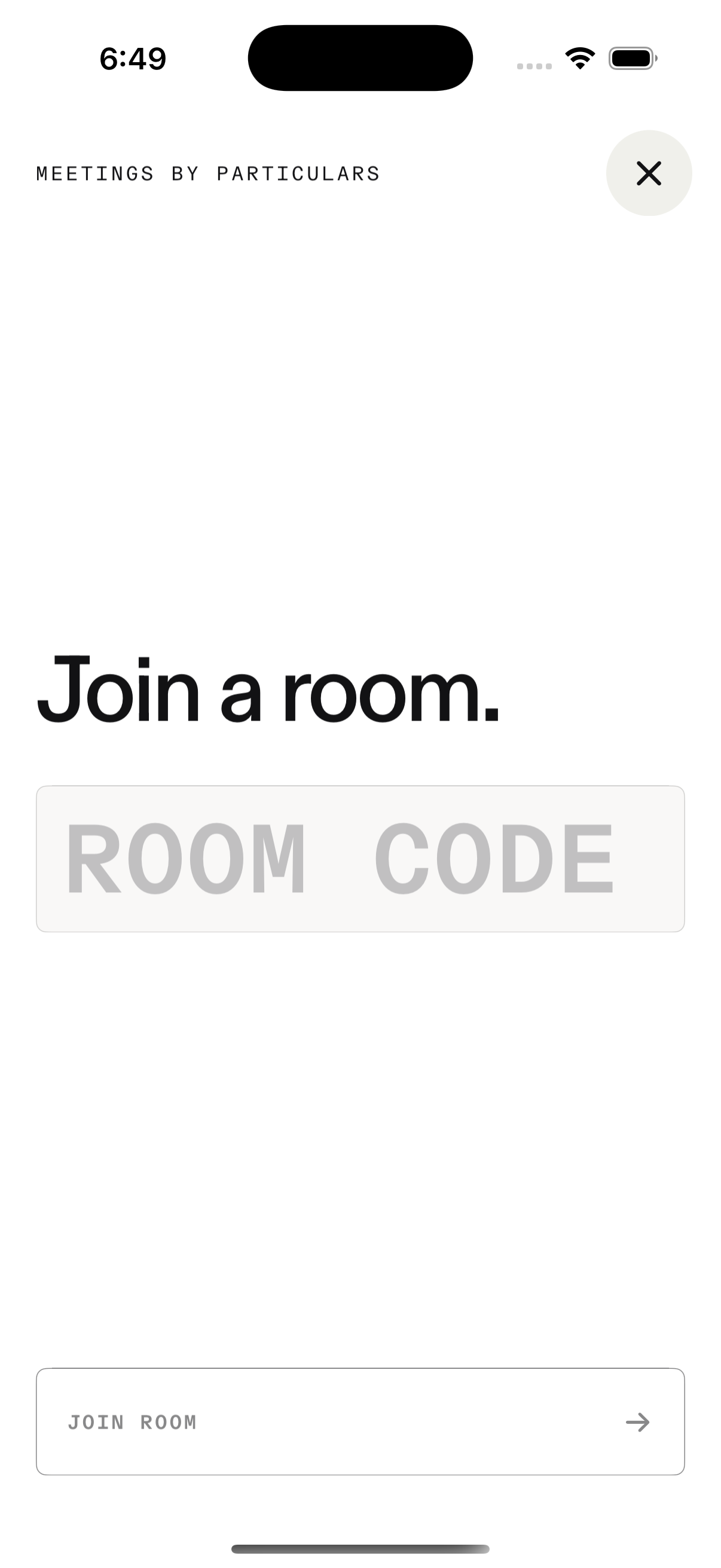
Meetings room-code entry screen on iPhone
Participant · JoinEnter the room code. No account or profile.
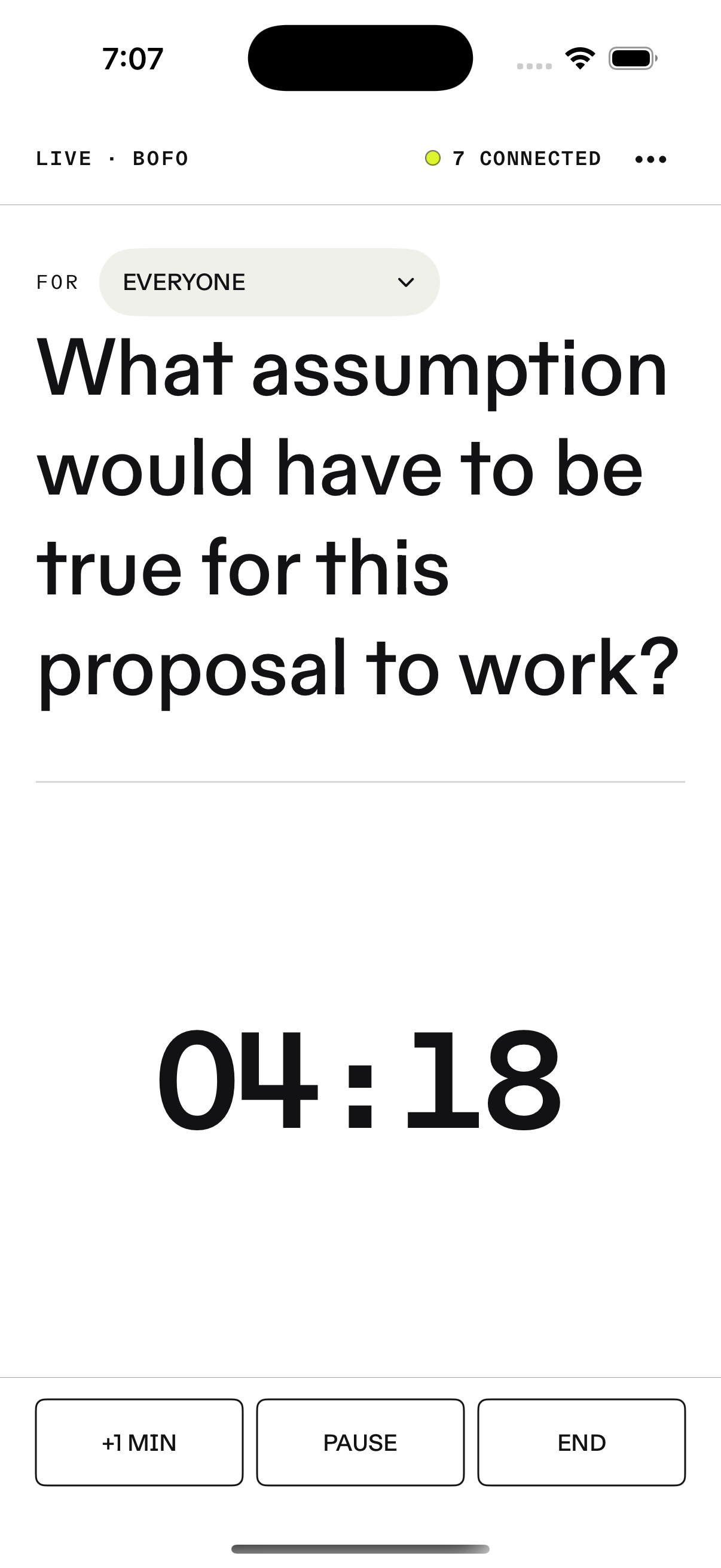
Meetings live facilitator screen showing the current instruction and synchronized countdown
Facilitator · LiveConduct the instruction, clock, pause, and extension from one screen.
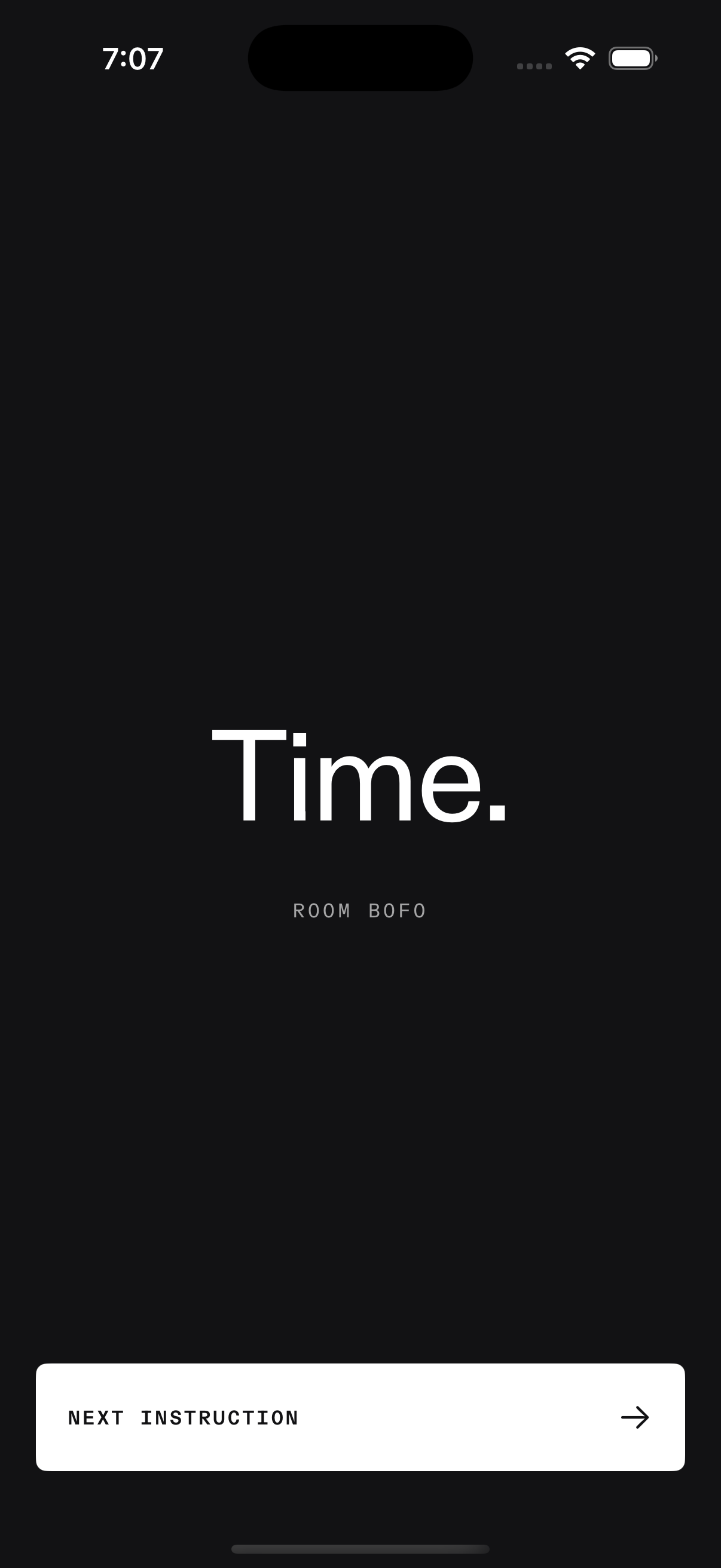
Meetings zero state reading Time with a Next instruction action
At zeroGive every device the same distinct transition to stop.